Free
€0 self-host, MIT
MIT licensed, the full widget and server on your own Cloudflare or Docker.
Self-host it
Open source, MIT licensed
Clients click the element they mean and leave a comment. Your agent receives the comment, page URL, CSS selector and a screenshot as one signed webhook. No inbox, no screenshots in chat.
Clients click the element they mean and leave a comment. Your agent receives the comment, page URL, CSS selector and a screenshot as one signed webhook. No inbox, no chat.
npx @commentbox/cli init
Works with any agent that has a webhook
How it works
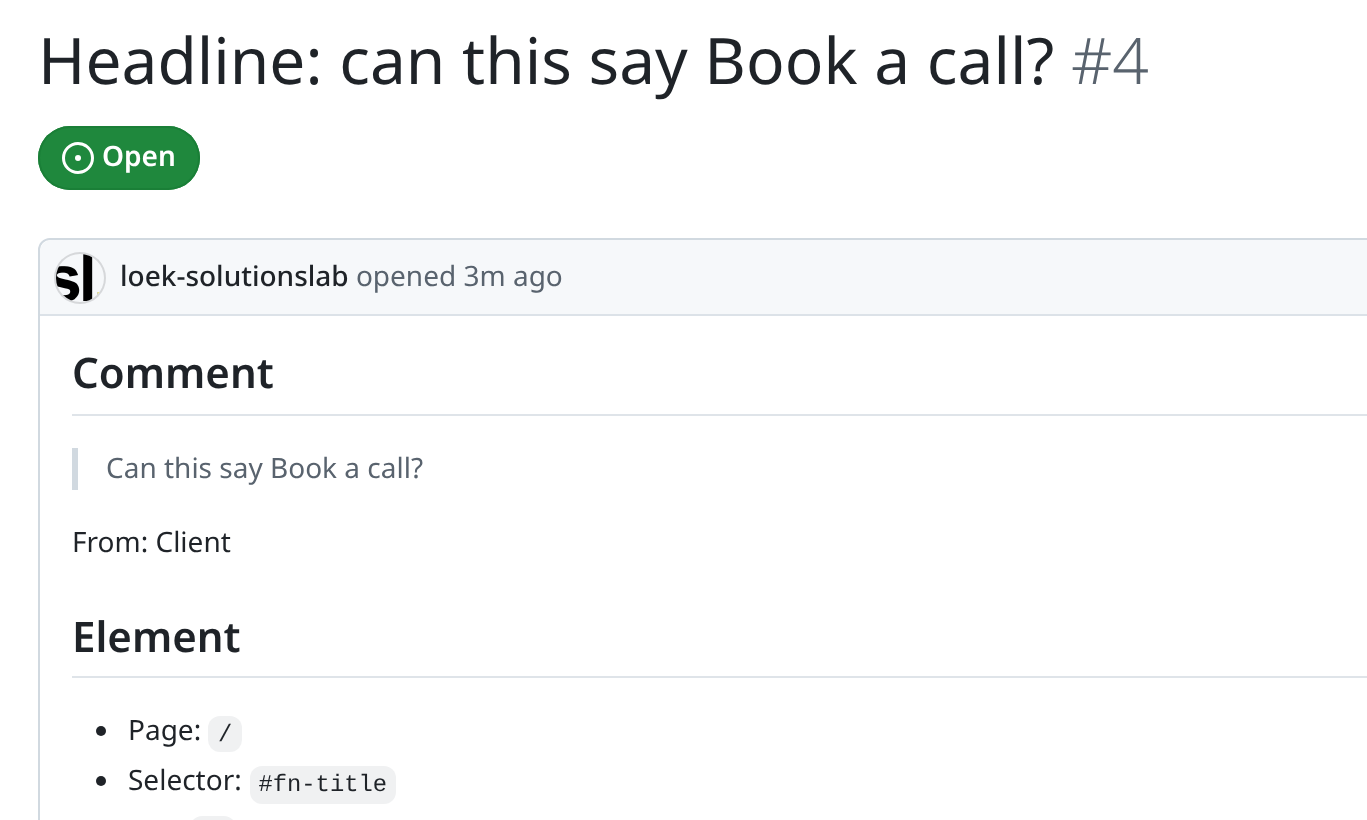
01Your client points at an element and writes a comment.
02The comment goes to your own agent with the page, the selector and the old text.
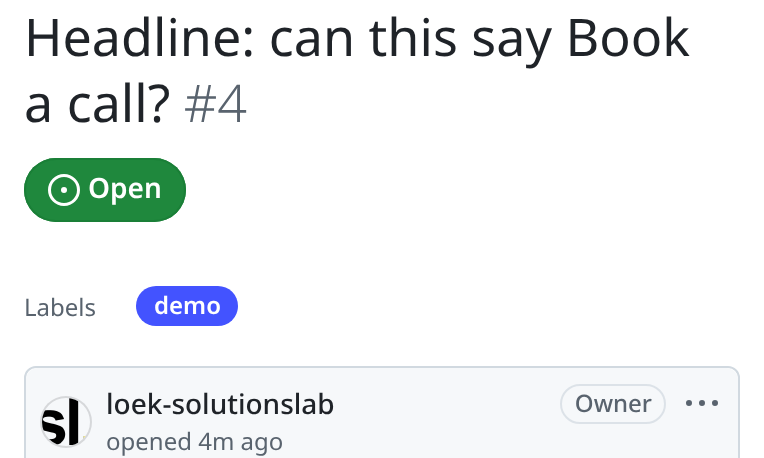
03Your agent can file it as an issue.
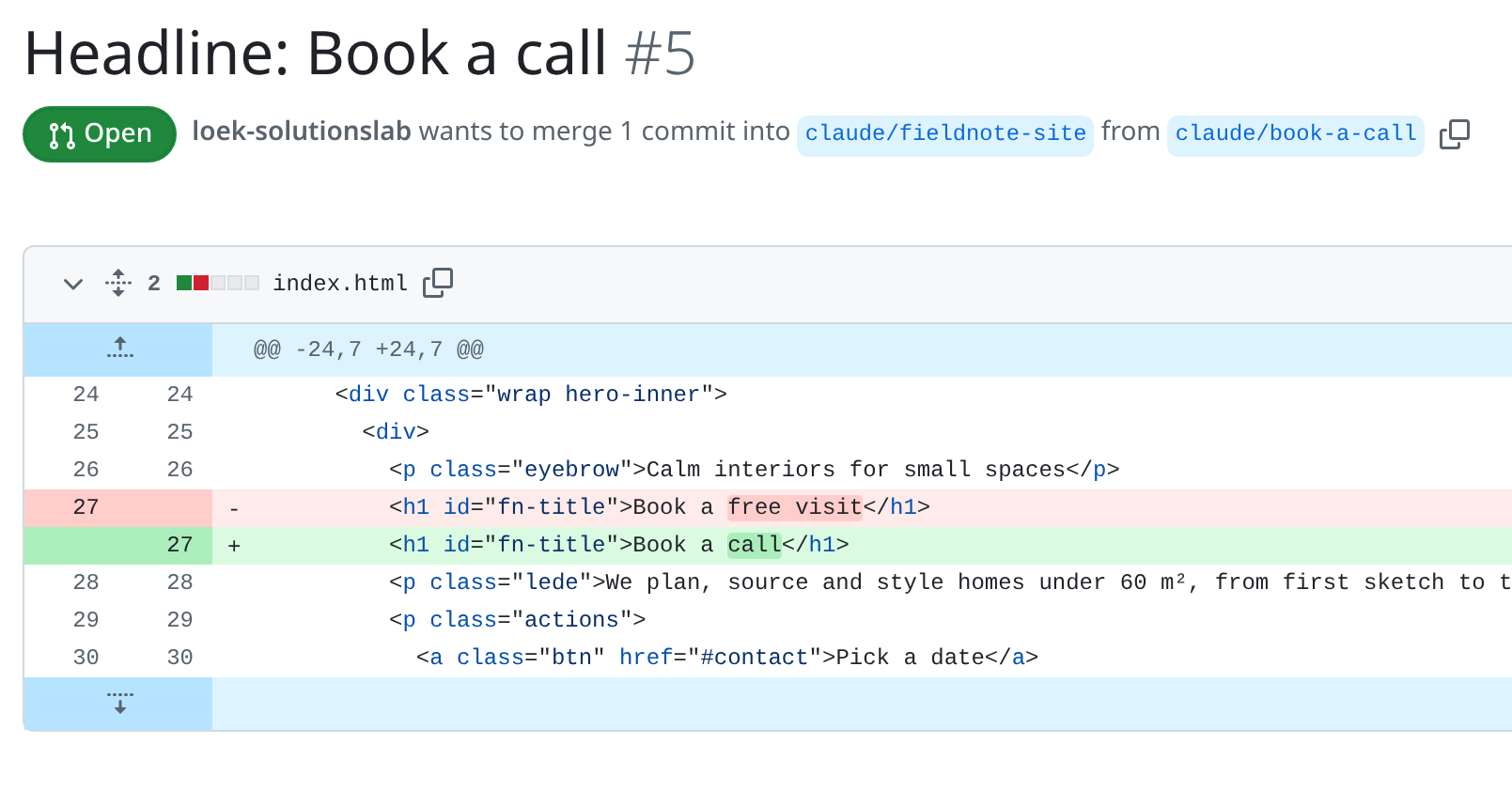
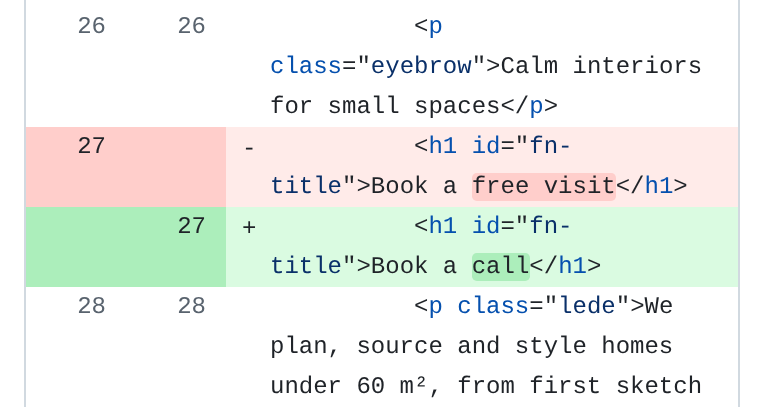
04It opens a pull request with the change for you to review.
Features
npm i @commentbox/widget. Shadow DOM, so your CSS and the widget never clash.One script tag, Shadow DOM.What your agent receives
X-CommentBox-Signature: t=1760527200,v1=5257a869e7ec…{ "text": "Make this button stand out more", "pageUrl": "https://acme.example/pricing?plan=team", "selector": "#pricing > div:nth-child(2) > a", "elementText": "Try Team", "viewport": { "width": 1280, "height": 800 }, "screenshotUrl": "https://comments.acme.example/v1/screenshots/shot_7c1d…"}<script src="https://comments.your-domain.com/widget.js" defer></script>Get started
In your site's repository. Adds the widget and the endpoint.
npx @commentbox/cli initCommentBox 0.2.1 initok Generated ADMIN_TOKEN in commentbox/.dev.vars (git-ignored)ok Added the widget script to public/index.html
Or add one tag to any page, pointing at your CommentBox server:
<script src="https://comments.your-domain.com/widget.js" defer></script>
The widget shows a small "via CommentBox, by Solutions Lab" line. To hide it, set attribution: false,
or add data-attribution="false" to the script tag.
Docs, payload reference and source live in the GitHub repository, which opens to the public at launch.
Run this in your project. It adds the widget and the endpoint.
npx @commentbox/cli init
Runs on any Node server, or on Cloudflare Workers.
Then connect your agent in CommentBox settings.
Copy the prompt, give it to your agent, paste the URL it replies with, and hit Test.
Paste one of these into your agent's instructions.
Your agent makes the change and opens a PR. You merge.
When a CommentBox comment arrives, make the change on a new branch and open a pull request that links the comment and its screenshot. Never merge.
Your agent puts the change on staging and sends you the link.
When a CommentBox comment arrives, make the change on a new branch and deploy it to staging only. Reply with the staging link. Never touch production.
Your agent only tells you what it would change, and waits.
When a CommentBox comment arrives, don't change any code. Reply with what the reviewer asks, where on the page, and the change you would make. Wait for my go.
Self-hosting and open source
Runs on any Node server, or on Cloudflare Workers. Comments and screenshots never pass through a third-party service. Read the code, fork it, change it.
cp packages/server-node/.env.example packages/server-node/.env
docker compose up -d
€0 self-host, MIT
MIT licensed, the full widget and server on your own Cloudflare or Docker.
Self-host itby Solutions Lab
€10 per project, excl. VAT.
We run the server, you paste one line. No Node, npm or server needed.
by Solutions Lab
€19 per month, excl. VAT.
Hosted projects under fair use, up to 25 active projects.
Start AgencySame widget and webhook on every plan.
CommentBox by Solutions Lab. Payments are processed by Stripe for Solutions Lab.
npx @commentbox/cli init
Want comments to go further than a single agent? Framed is how Solutions Lab sets up agent workflows for teams. If you want help wiring CommentBox into your own process, talk to us.